Transparency
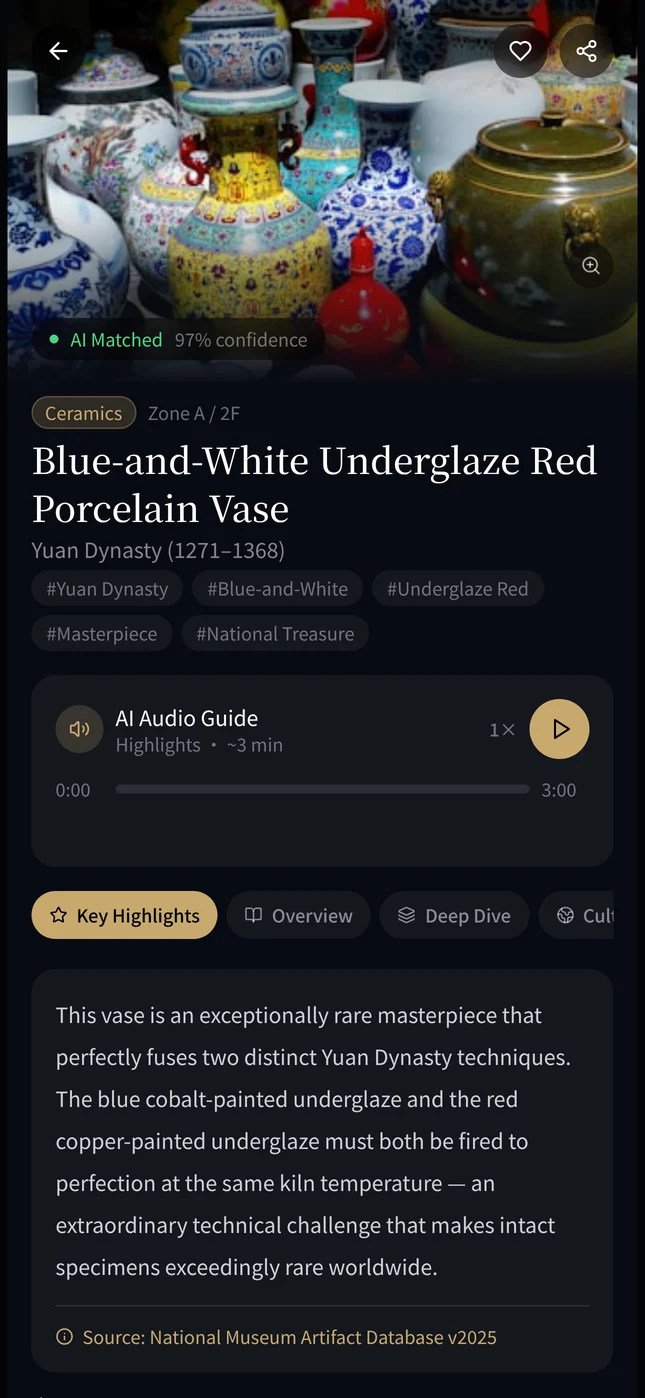
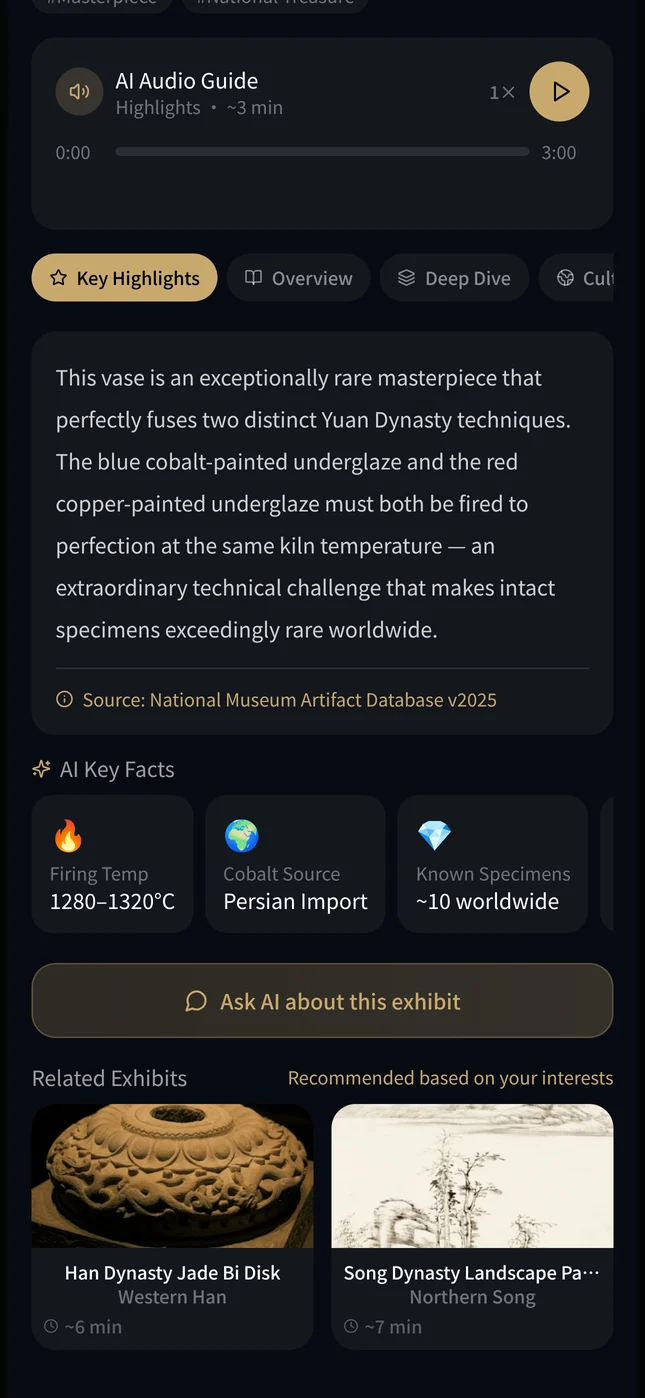
Show what's real, what's AI
- Problem
- Visitors may not know what is verified fact and what is AI interpretation.
- Response
- Official museum facts set apart from AI interpretation, with sources and confidence shown.
05 · 2025–26 · From touch to interpretation
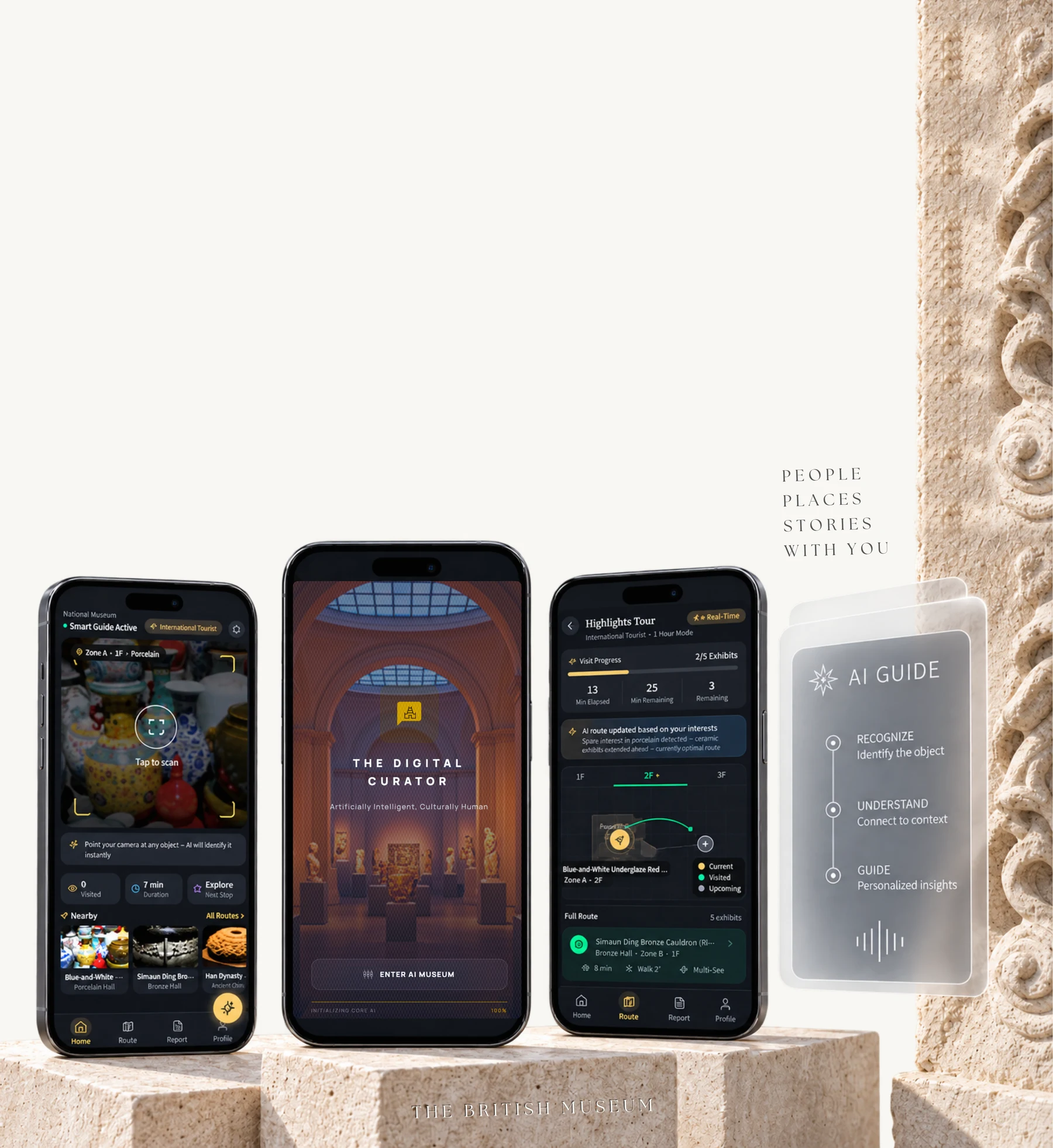
An AI museum guide for first-time international visitors.
A quieter guide that brings objects, people and stories closer together, so visitors feel more confident, curious and connected in the museum.
Prologue From touch to interpretation
Physical access to cultural heritage led me to a later question: how can digital interaction make cultural meaning easier to understand?
01 Problem
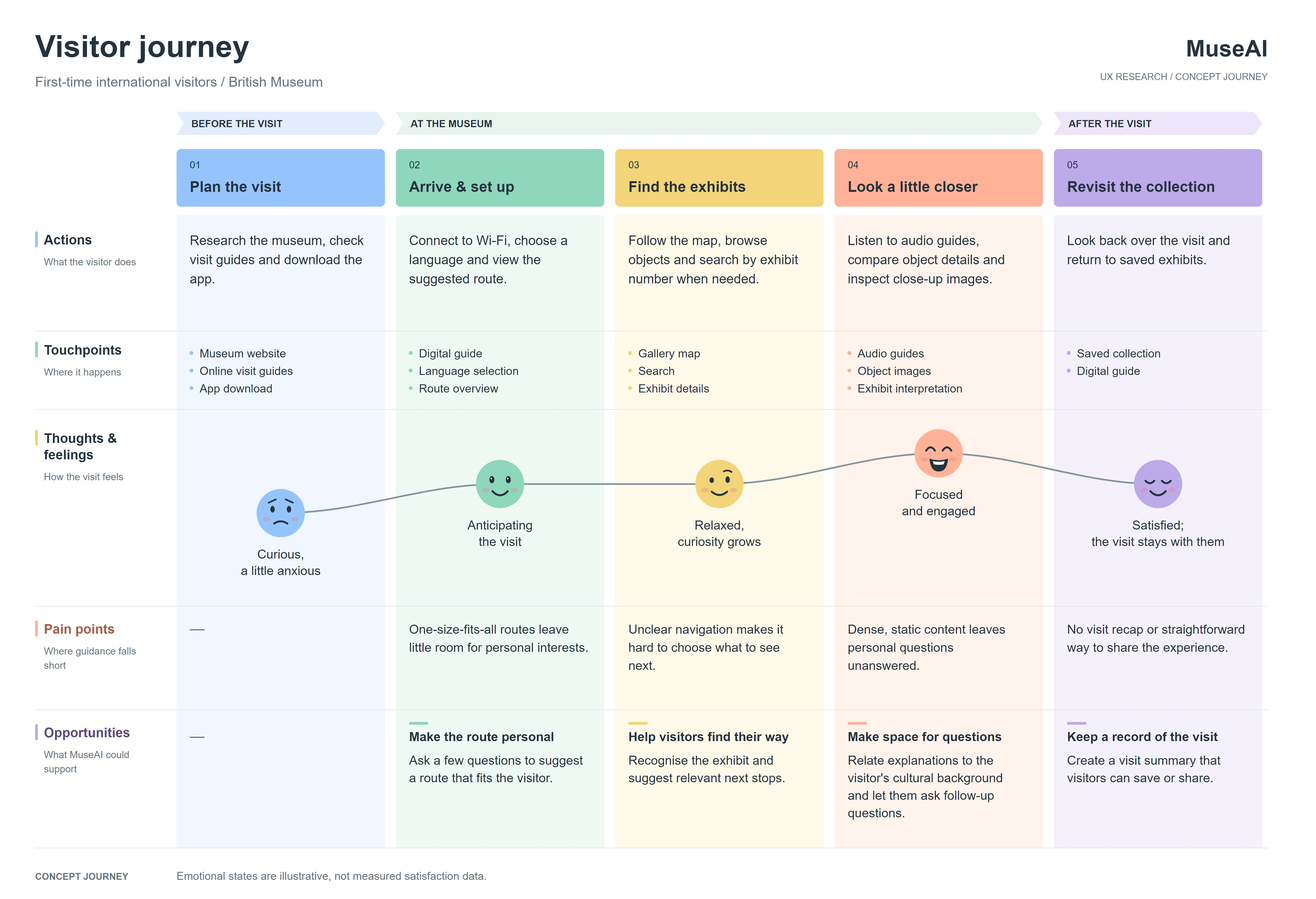
I focused on first-time international visitors to the British Museum. Mapping their visit showed that the hard parts were not only language: it was knowing why an object matters, finding a route through huge galleries, and getting tired long before the end.
Key insight. The guide had to give cultural context, adjust its depth, support the route, notice fatigue, and keep the visitor visibly in control of the AI.
Objects are hard to understand without context.
I see beautiful objects, but I don't always understand what they mean.
Too much text and scattered sources.
There's so much information, I don't know where to start.
Large venues are tiring and hard to plan.
I get tired and unsure what to see next.
Users want to understand, trust and stay in control.
I like the AI help, but I had to know where the information comes from.
02 Experience architecture
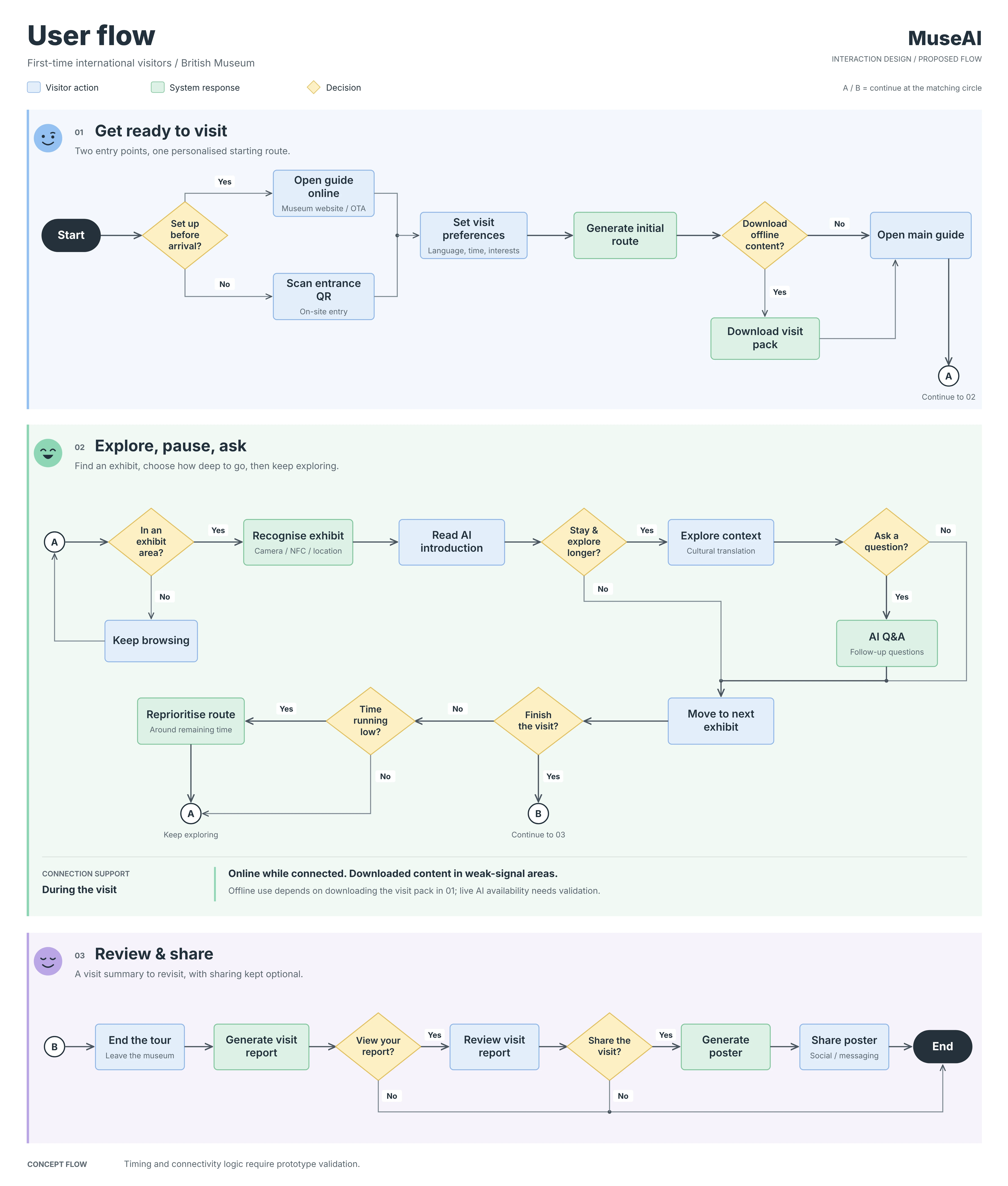
I turned the research into one coherent visit, from the first tap to a lasting memory. Each step answers one of the barriers above.
03 The guide
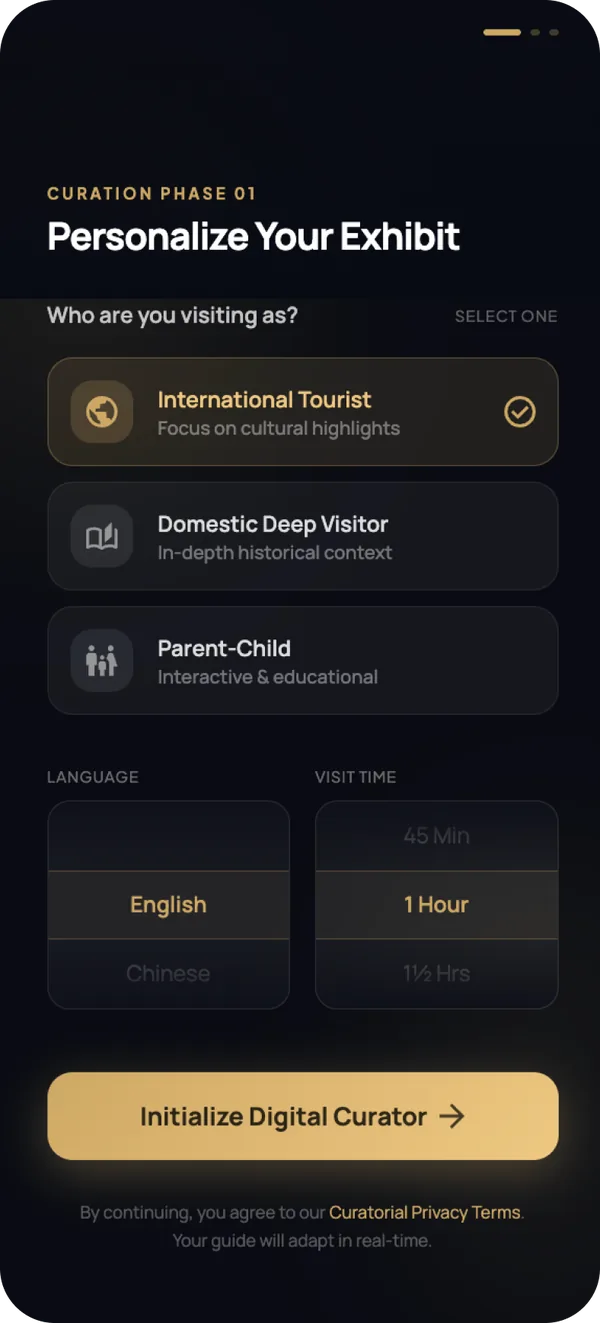
Walk through the visit
Pick a step, or let it play.
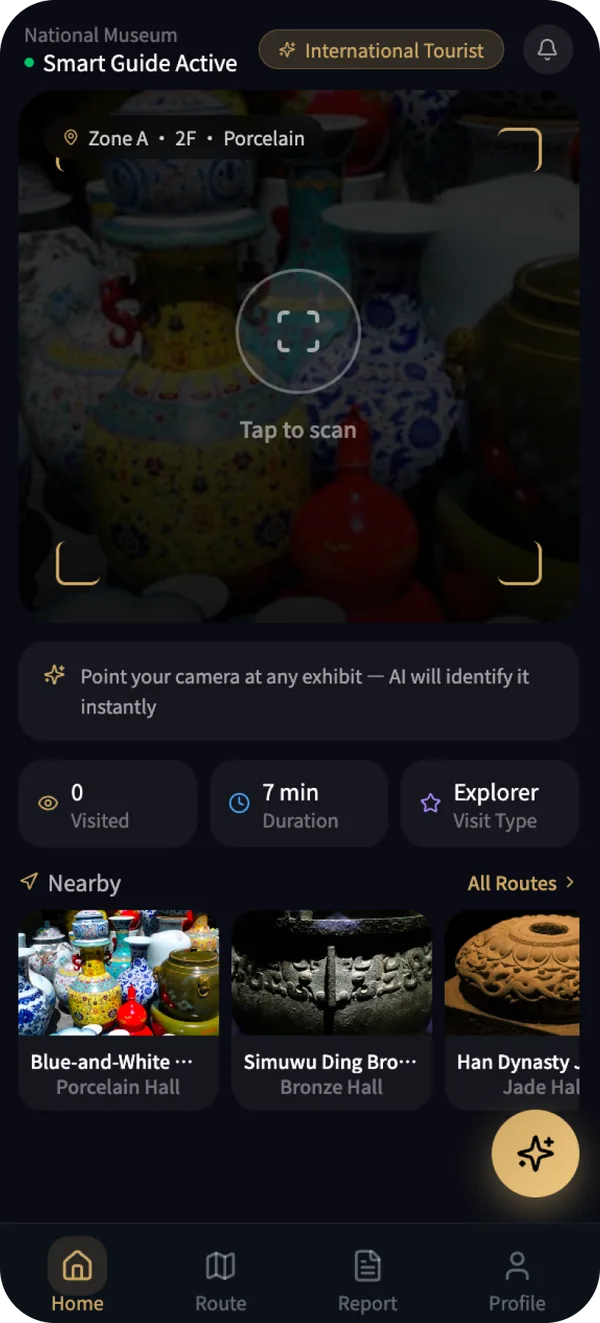

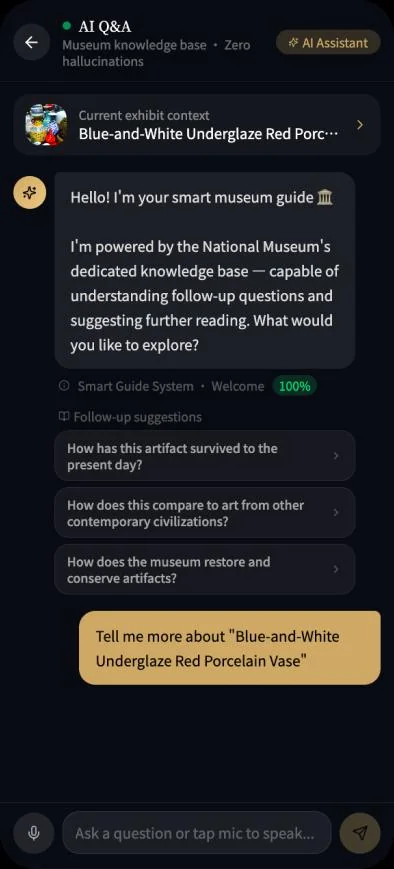
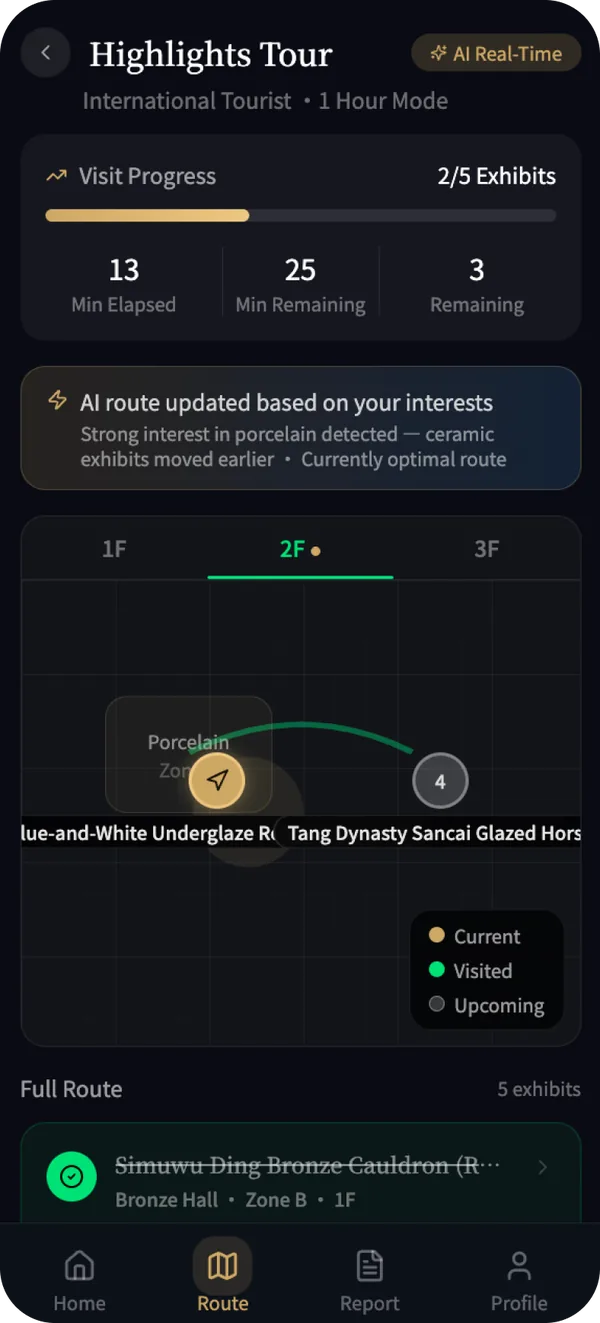
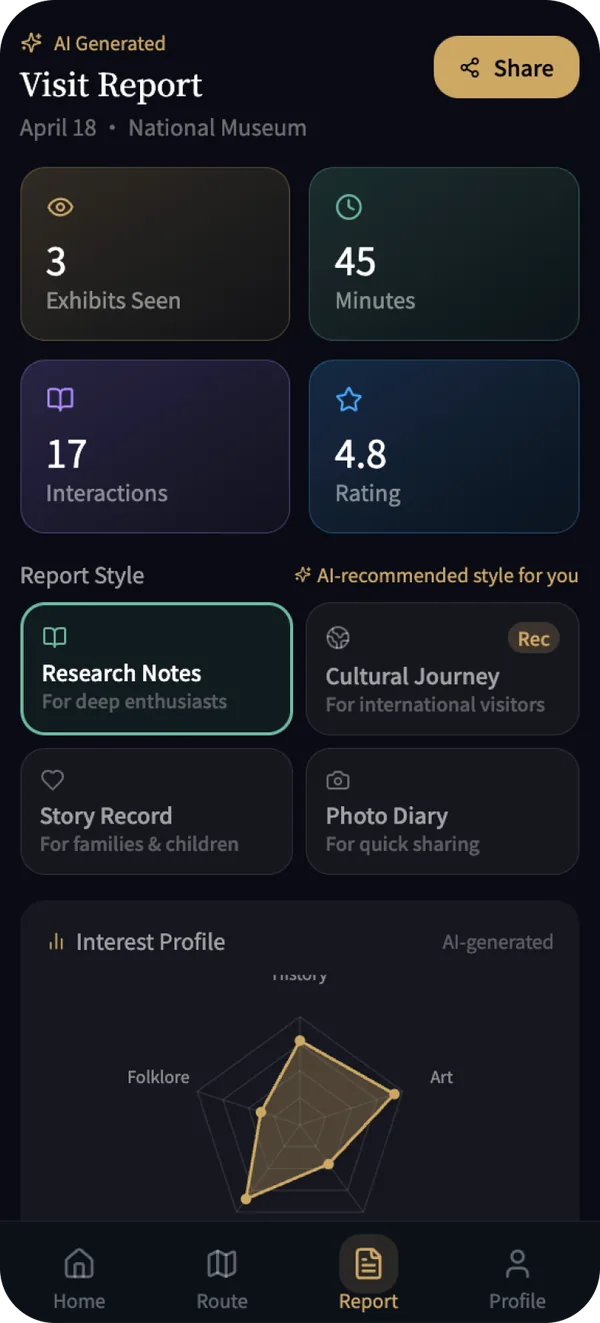
04 Evaluation
A role-play cognitive walkthrough plus an AI-adapted heuristic evaluation. Four participants took part, about 30 to 45 minutes each. It was formative and found problems; it is not external validation.
found onboarding extremely smooth.
showed automation bias, trusting AI answers without checking. Only one module showed its sources.
average severity for missing source tags (AI transparency ≈ 0.5).
severity for user control: AI route changes were hard to reject.
Cognitive walkthrough
Share of participants who completed each core task.
AI-adapted heuristic evaluation
Nielsen's 0–4 scale. Lower is better.
Source tags on every module, official facts set apart from AI interpretation, and a “View AI reasoning” panel.
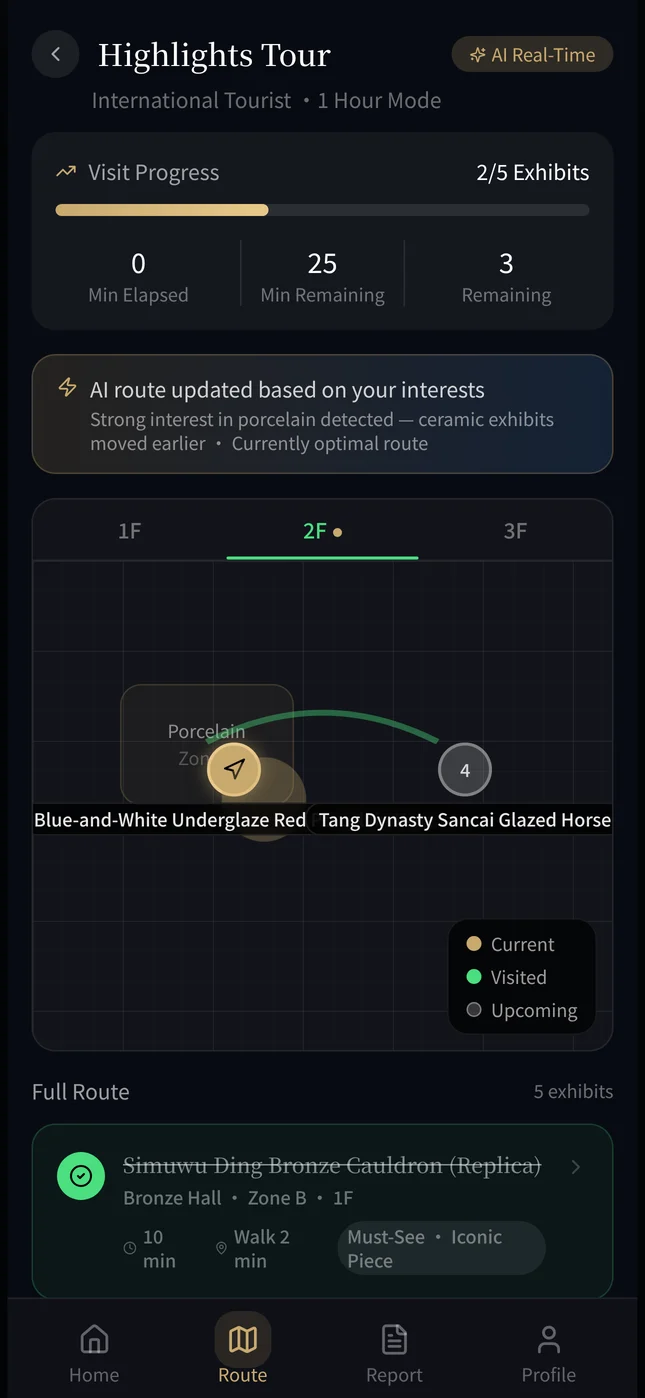
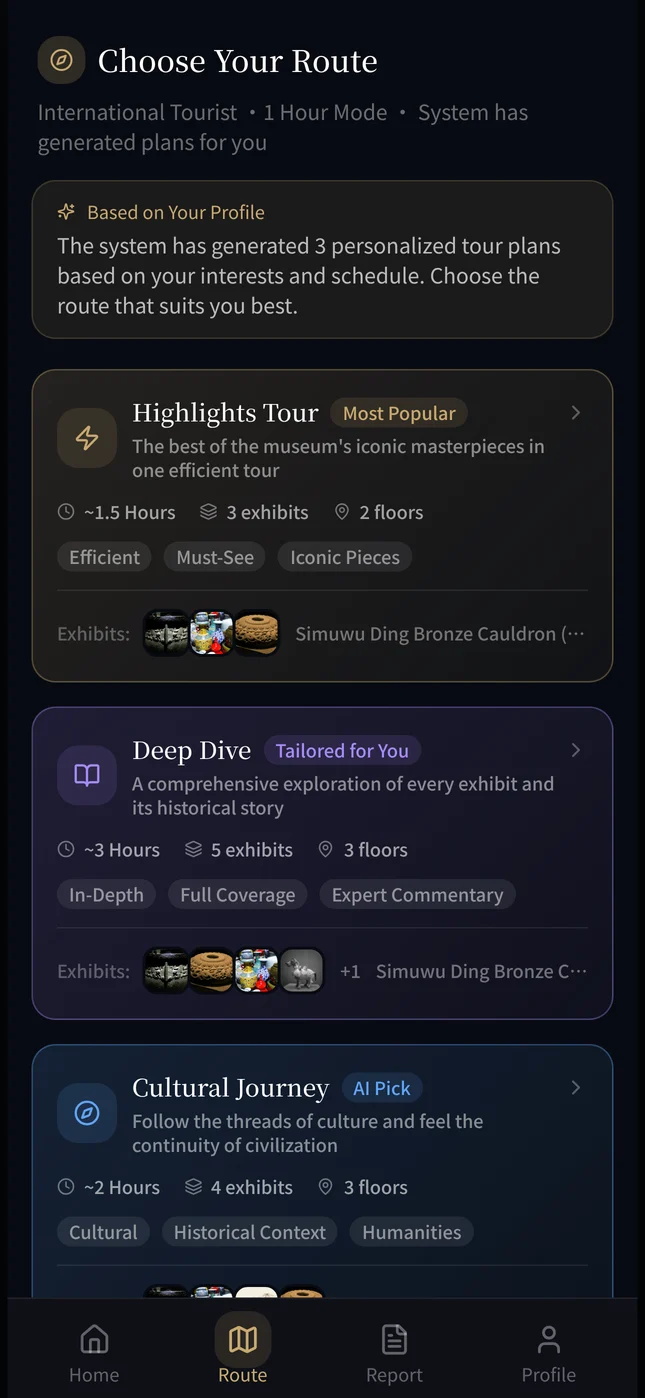
A “Cancel & re-enter your preferences” button on every route change.
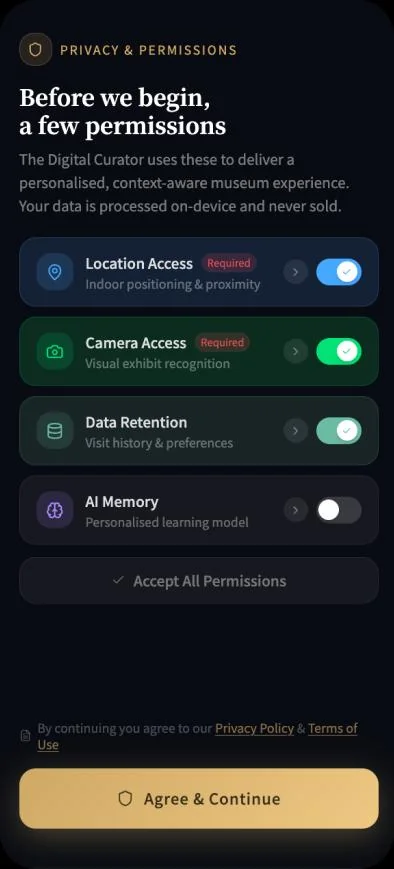
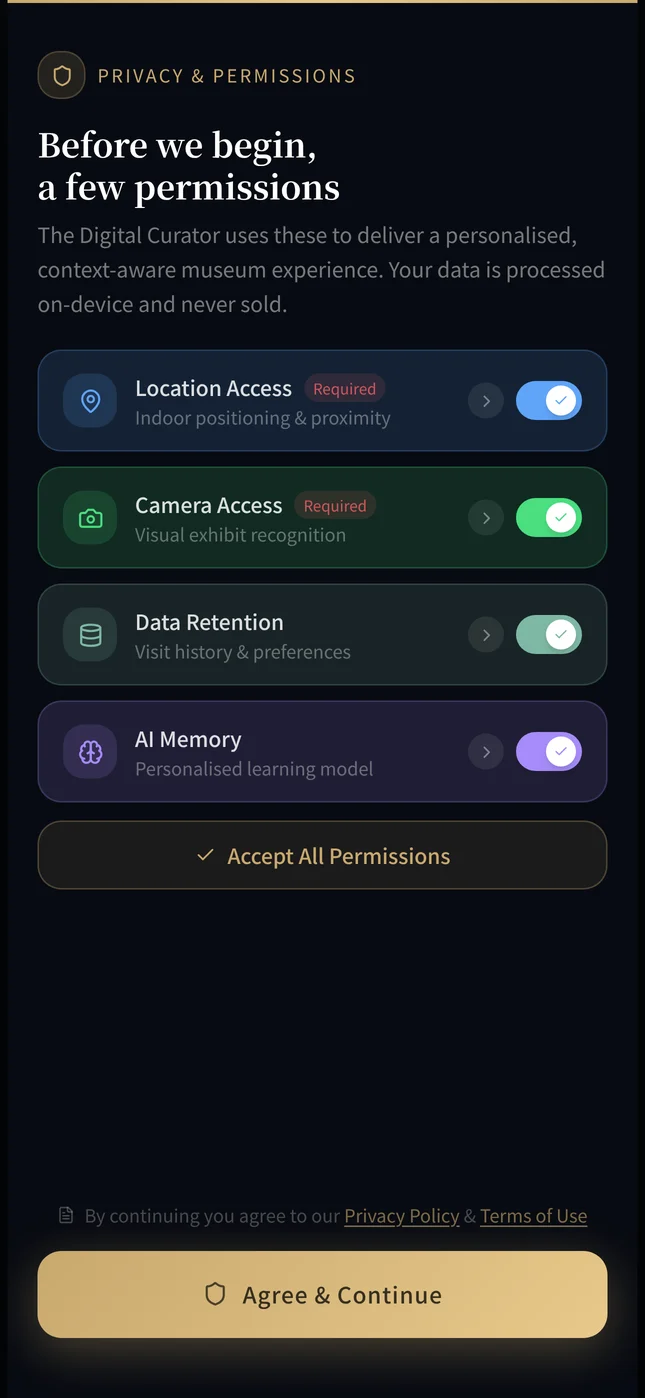
A just-in-time prompt before the report: “Can we use your trajectory data to build your report?”
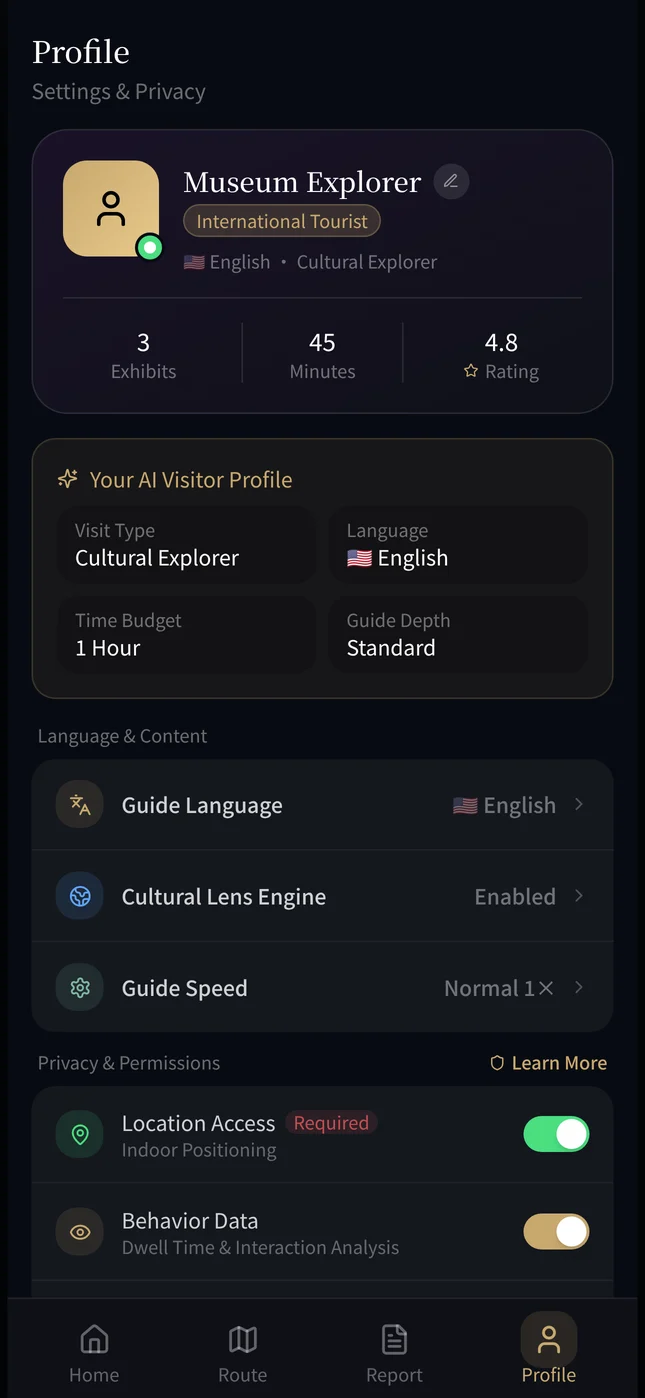
Each permission can be changed on its own instead of all at once.
05 Designing trust
What the evaluation found became three principles, so the AI works as a helpful companion instead of a black box.
Show what's real, what's AI
Exploration should be yours
Your data, your choice
My part